Since Google introduced SERP features, it is no longer enough to occupy the Google’s top 10 to capture web searchers’ attention. Now it’s vital to track exactly how your keywords behave in search results and what SERP features steal attention from your website.
The good news is that you don’t have to endlessly browse Google to find this data, as the Position Tracking tool will now do it for you.
What does this mean for you?
Using Position Tracking, you’ll get a broad picture of SERPs for the keywords you’re focusing on and quickly discover:
Keywords you’re tracking that trigger a SERP feature
The types of SERP features triggered for these keywords
Whether a domain is present in that SERP feature
The particular SERP for a keyword
This data will help you to decide if it’s worth trying to optimize your website in order to beat your competitors and win a SERP feature, or whether you should save your efforts for other keywords.
How can you discover opportunities to get a SERP feature?
Go to your project, or create a new one, and set up the Position Tracking tool.
Once you’re in the tool, first use the Rank Count filter to decide whether your results should include Local Pack and Top Stories features.
Then, check the new ‘SERP Features’ column in the Overview and Rankings reports. This column informs you of which SERP features are triggered in Google by the keywords you’re tracking.
Each icon represents a certain SERP feature — hover over one to get its name. You can click on any of these to filter all results by the exact SERP feature.
If you’re tracking several domains, for example your and your competitors’, you can quickly check which domains won a snippet by checking the SERP feature icon next to a domain. You can find these icons in all reports that show keyword positions.
Click on the domain’s position to view the SERP.
Now you can estimate your chances. If a SERP feature belongs to your competitors, you have the opportunity to beat them. If a SERP feature doesn’t lead to any domain, you’d better consider whether it’s worth spinning your wheels over this keyword.
You can also filter your reports by exact SERP features, so you can track your and your competitor’s efforts and find more SERP feature opportunities.
These filters are available for all reports except for Landing Pages and Devices & Locations.
What do you think about this update? Share your thoughts and comments with us attracking-tool-feedback@semrush.com, and stay tuned!
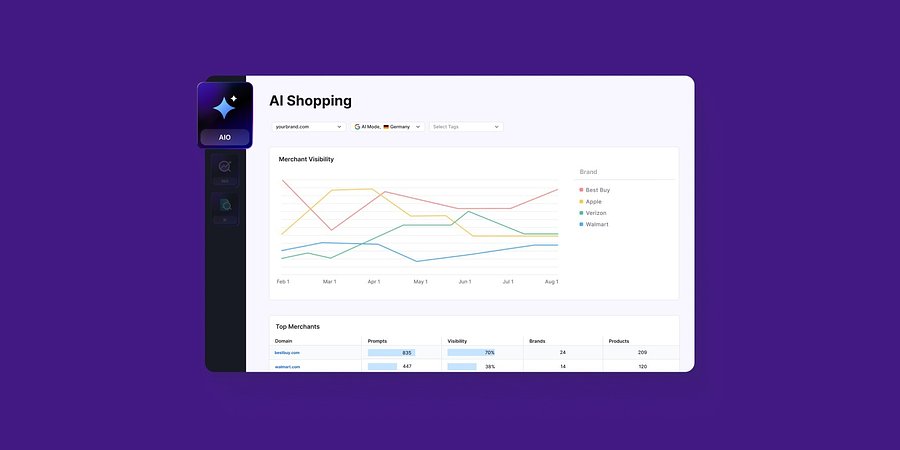
Enterprise AIO Extends AI Shopping Report Across ChatGPT and Google AI Mode
Semrush Enterprise AI Optimization’s (AIO) AI Shopping report now delivers unified merchant and product-level insights across both AI shopping experiences.
Product News
March 6, 2026
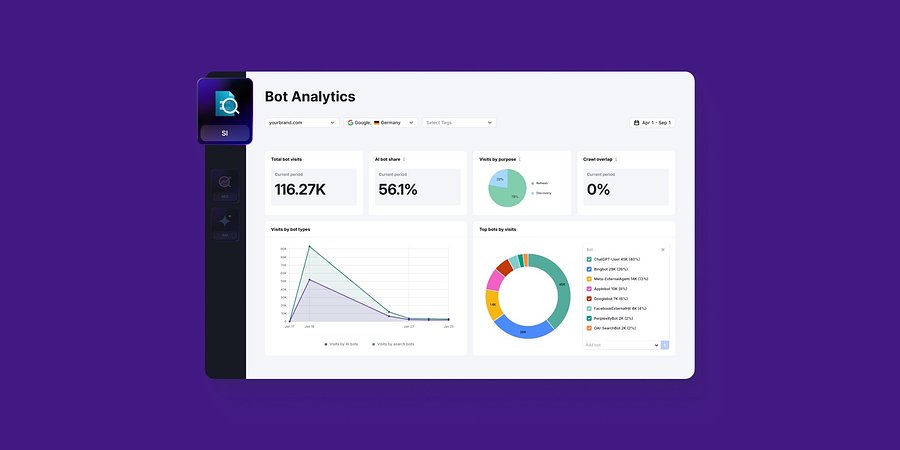
Semrush Enterprise Adds Log File Analysis to Site Intelligence and AI Optimization
New Bot and Agent Analytics capabilities give teams clearer understanding of how search engines and AI crawlers interact with their websites, unlocking new visibility opportunities.
Product News
February 2, 2026
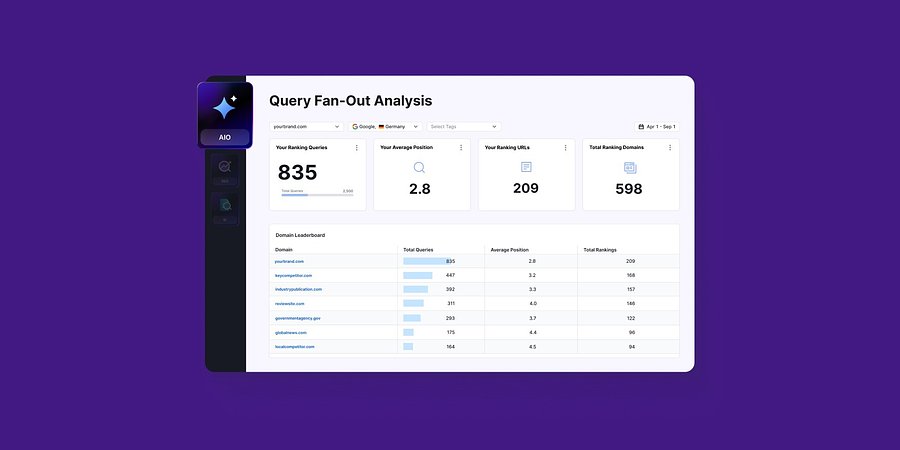
Query Fan-Out Analysis Comes to Semrush Enterprise AI Optimization, Revealing the Search Signals Behind AI Responses
New capabilities identify the background queries made by AI models, which are run through search engines. This helps brands identify further terms to target for AI visibility and align their SEO and GEO strategies