Position Tracking: Track Multiple Devices and Locations
May 24, 2017
We are proud to add a new feature to the Position Tracking tool — Multitargeting. Now you can use it to track your website’s search visibility across multiple targetings — devices and locations — in one place.
What are the benefits of multitargeting?
Instead of accumulating separate data in different projects, you can now view desktop and mobile data side by side, and track different local keywords and rankings in the same campaign.
By comparing this data, the updated Position Tracking tool gives you the ability to:
Identify strengths and weaknesses in your local SEO or PPC campaign
Research neighboring markets down to the city level
Discover your local competitors
How to set up multiple devices and locations
First, be sure you have a project with Position Tracking set up, or create a new one. Once you enter the tool, click on ‘Device & Location’ at the top to switch between devices and locations or add new ones.
An easy-to-use wizard will help you add up to 10 different targetings to your campaign.
If you want to track the same keywords for every device and location, we will offer you the choice to copy them in one click, as well as a list of your competitors.
How to track multiple devices and locations
Once you set all the locations and devices, you can now go to the ‘Devices & Locations’ tab for your comparison research.
Here you can compare visibility, estimated traffic and average position for your targetings. Use ‘Filter by keyword’ to see how your target keywords perform for different devices and locations.
Important: The Multitargeting feature is available only with Guru and Business subscriptions. Keywords in each targeting are counted towards your total keyword limit.
What do you think about this feature? Send us your feedback to tracking-tool-feedback@semrush.com. And stay tuned, as we are currently working on integrating Position Tracking with other SEMrush tools and will keep you posted!
Track your website’s search visibility across multiple devices and locations. Set up Position Tracking.
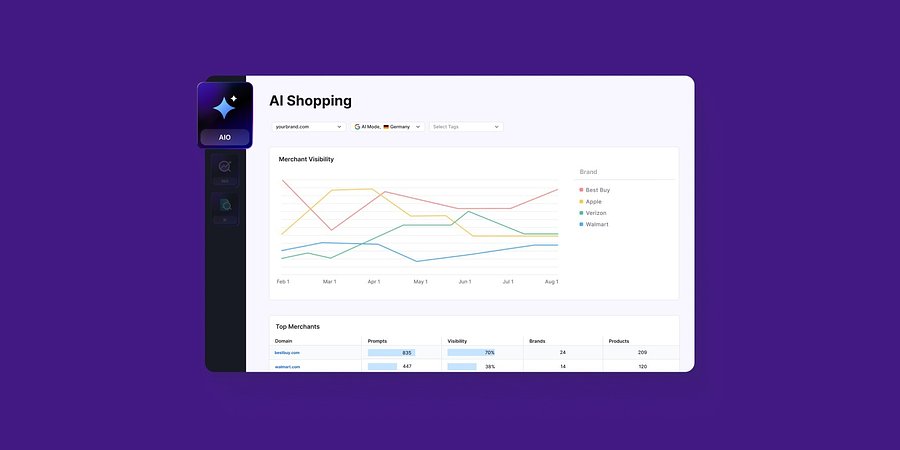
Enterprise AIO Extends AI Shopping Report Across ChatGPT and Google AI Mode
Semrush Enterprise AI Optimization’s (AIO) AI Shopping report now delivers unified merchant and product-level insights across both AI shopping experiences.
Product News
March 6, 2026
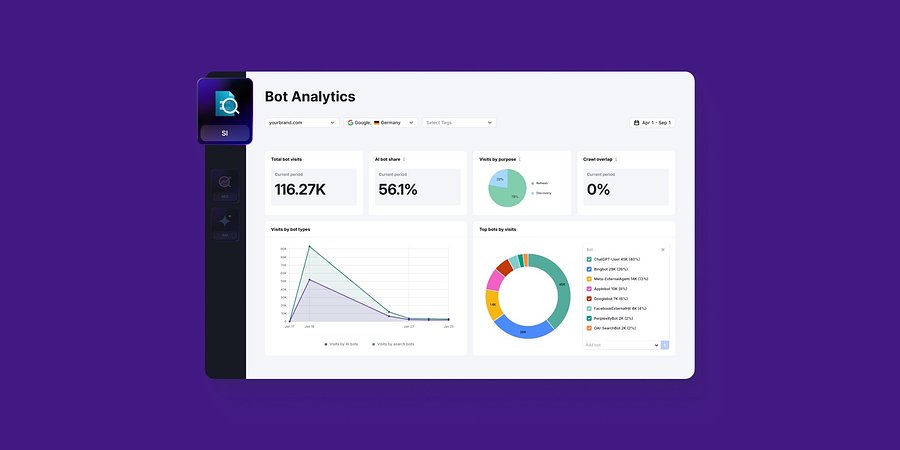
Semrush Enterprise Adds Log File Analysis to Site Intelligence and AI Optimization
New Bot and Agent Analytics capabilities give teams clearer understanding of how search engines and AI crawlers interact with their websites, unlocking new visibility opportunities.
Product News
February 2, 2026
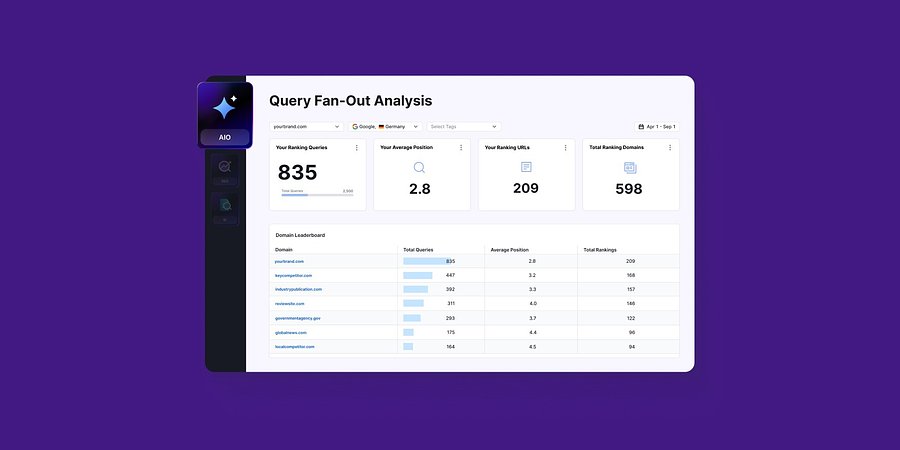
Query Fan-Out Analysis Comes to Semrush Enterprise AI Optimization, Revealing the Search Signals Behind AI Responses
New capabilities identify the background queries made by AI models, which are run through search engines. This helps brands identify further terms to target for AI visibility and align their SEO and GEO strategies